



Price: $24.99
(as of Jun 06, 2026 00:20:42 UTC – Details)
Product description


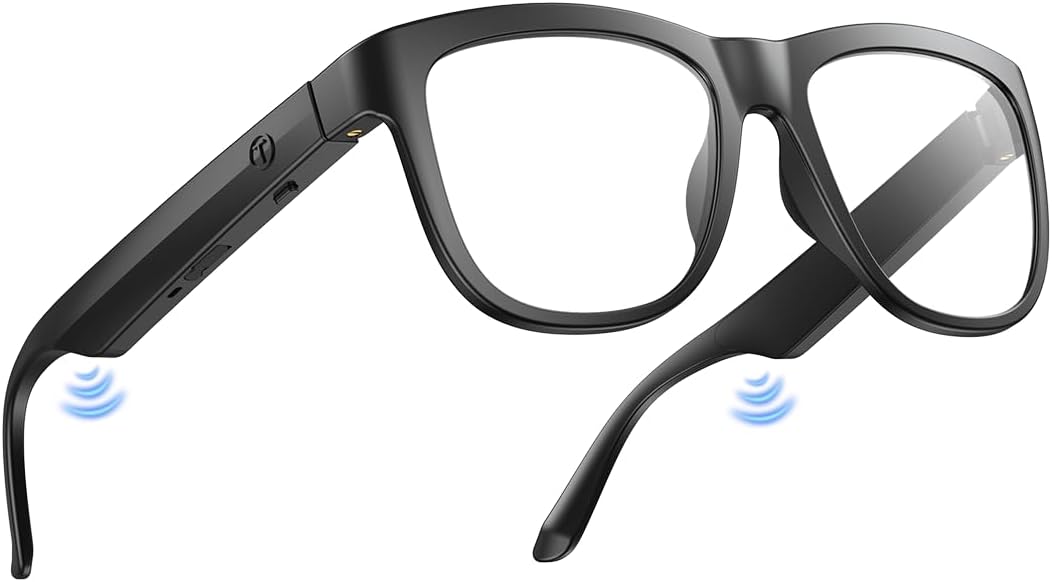
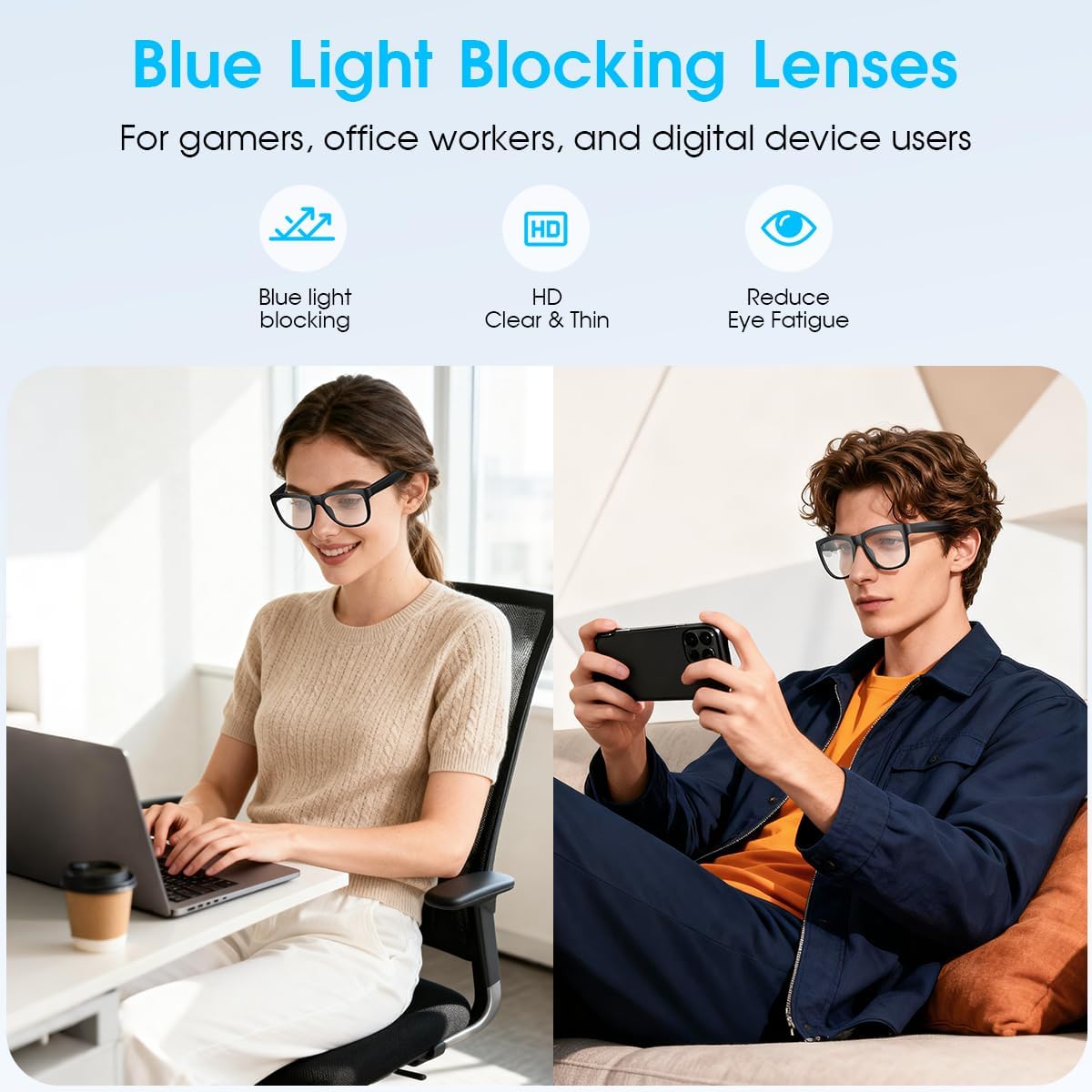
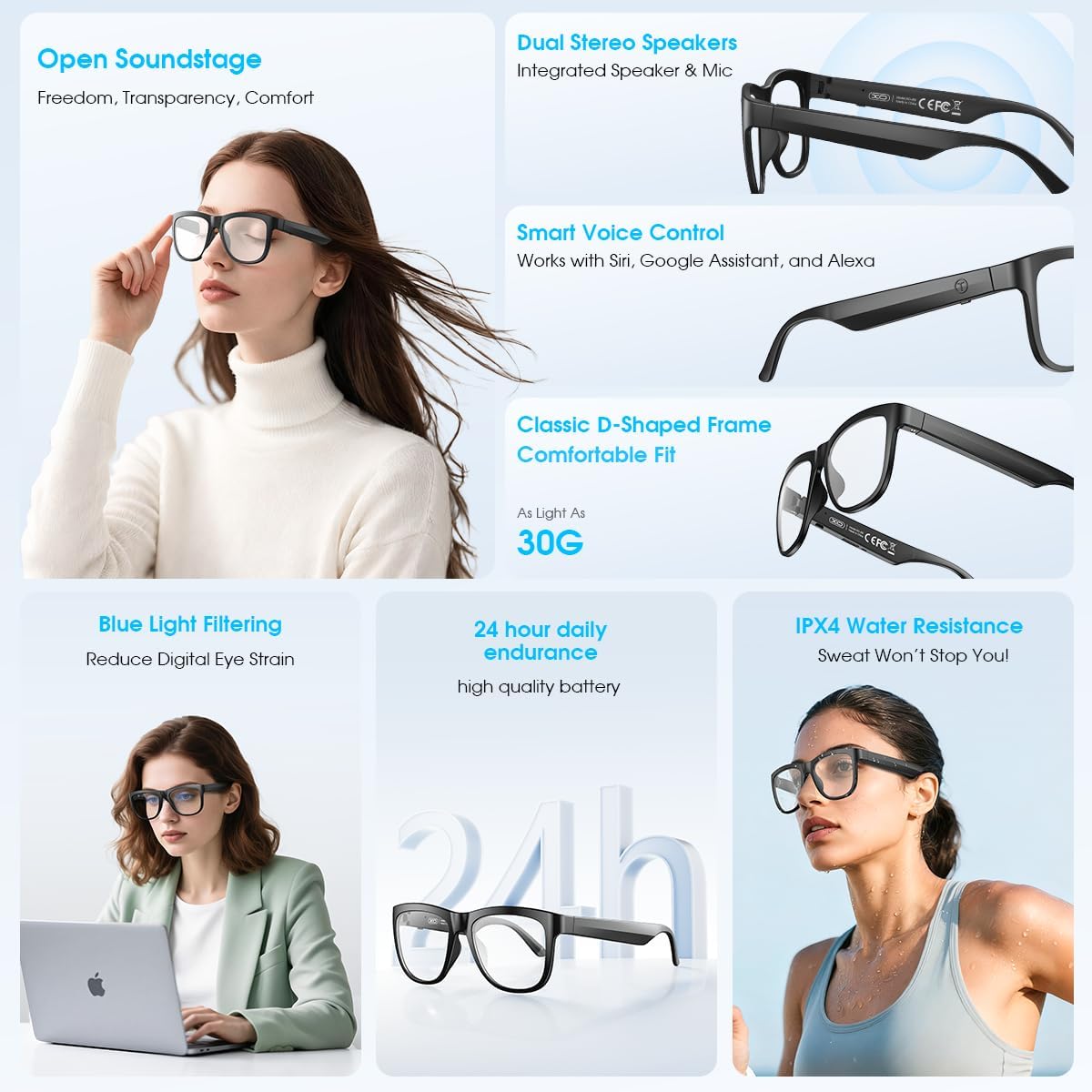
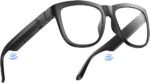
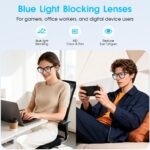
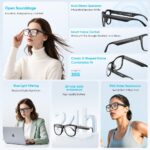
【Advanced Blue Light Filtering】Protect your eyes from digital strain with effective blue light filtering lenses. XO Anti-Blue Light Smart Glasses ideal for prolonged screen use, these glasses reduce eye fatigue, headaches, and improve sleep quality by blocking harmful blue light from computers and smartphones.
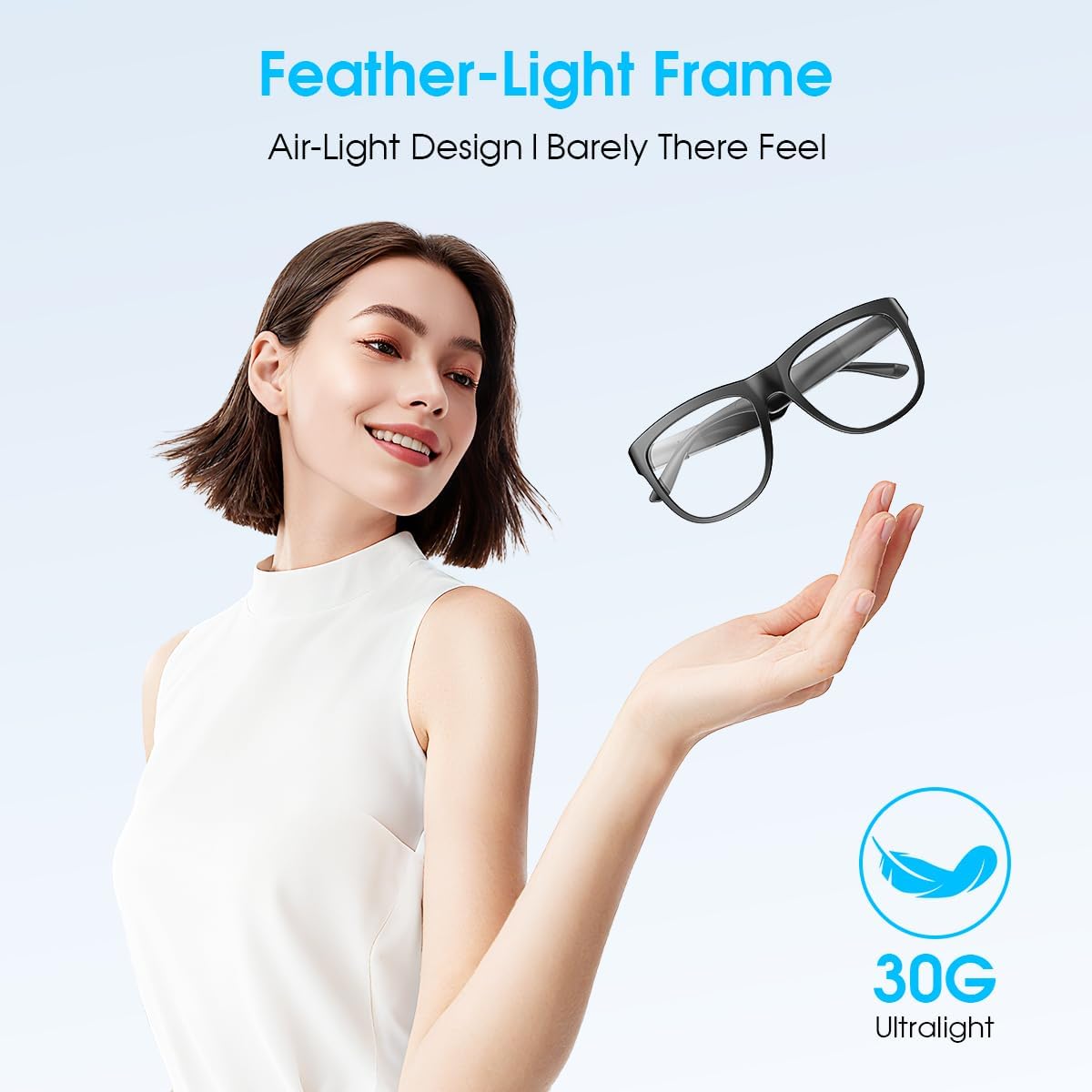
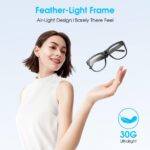
【All-Day Comfort & Stylish Design 】These unisex blue light blocking glasses combine modern fashion with ergonomic comfort, perfect for men and women.The lightweight frame ensures a snug fit for extended wear, whether at the office, home, or on the go.
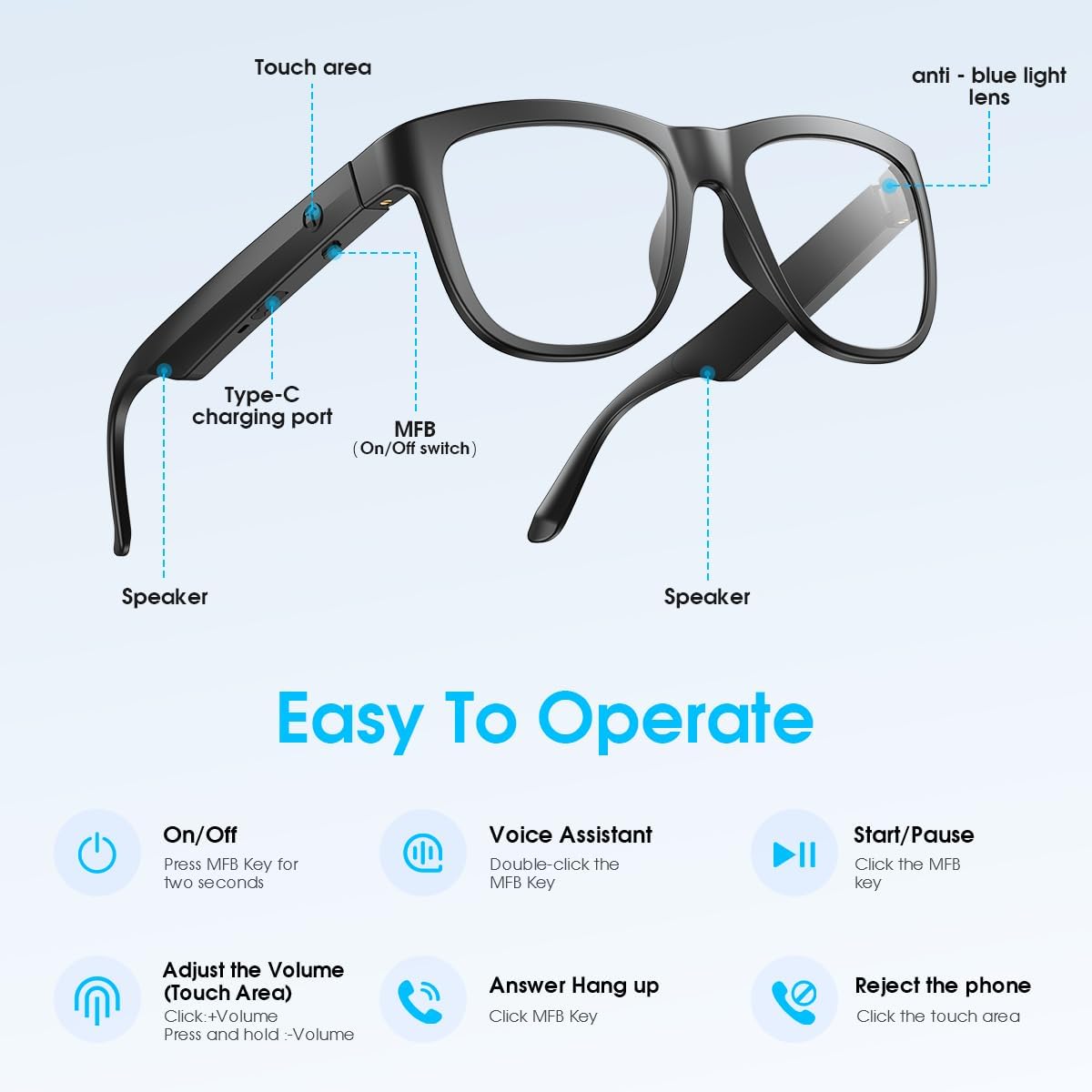
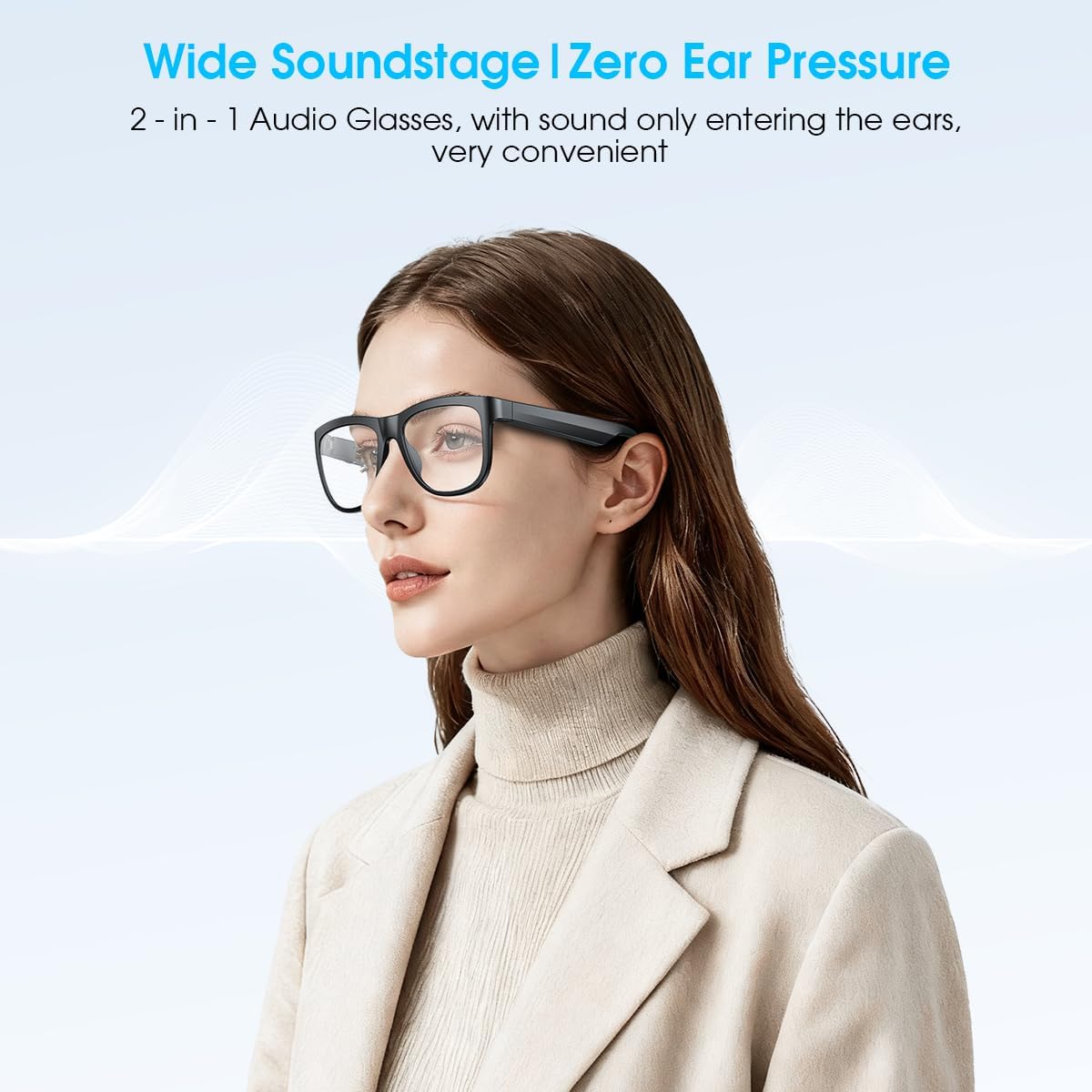
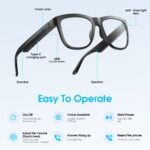
【Built-in microphone and speaker】Smart bluetooth glasses are equipped with two superior speakers on each side and the microphone is hidden, it can 360°enhance stereo sound, with upgraded mic built into the frame, you can take calls hands-free listen and speak clearly.The smart glasses keep you connected while maintaining a sleek, wire-free design—no bulky headphones needed.
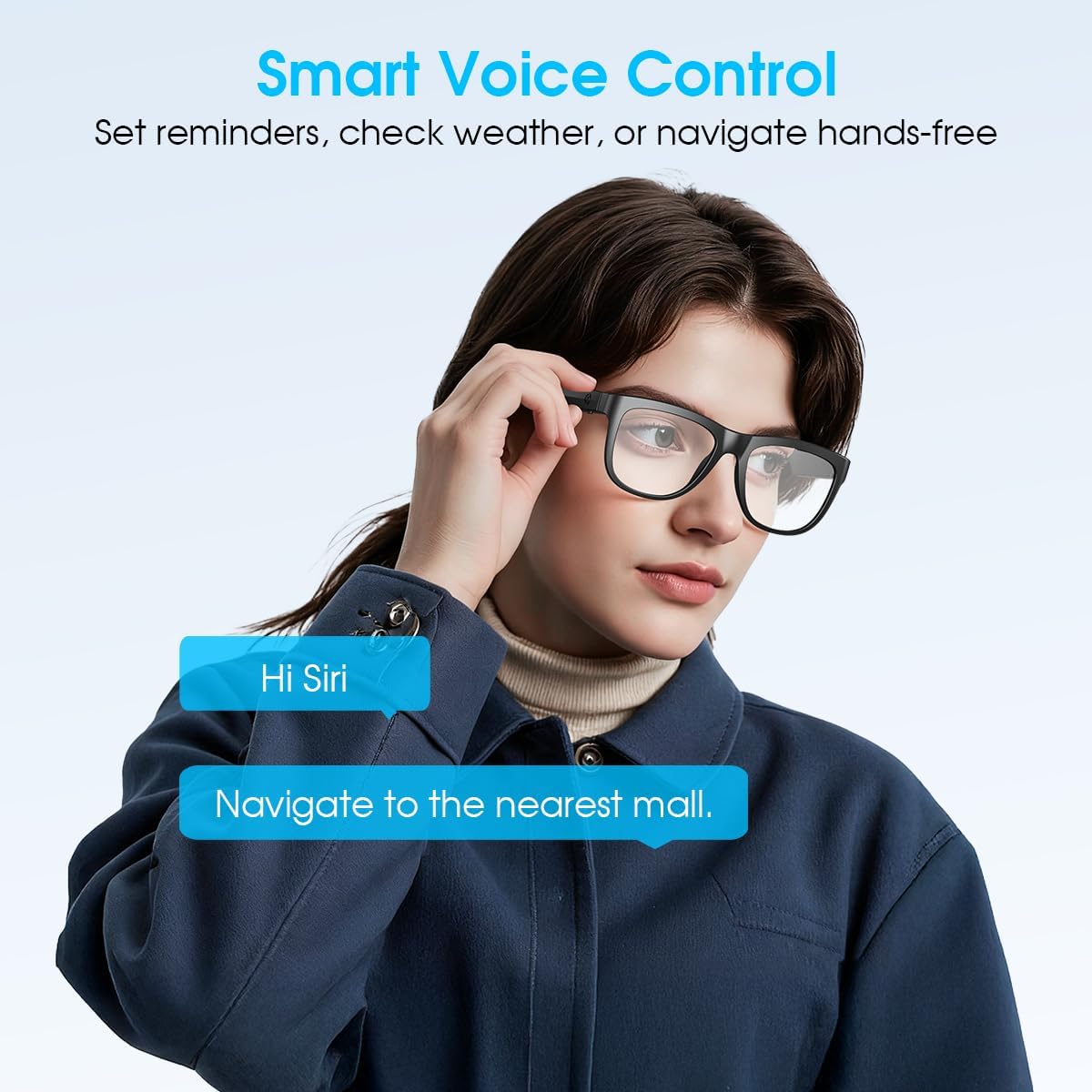
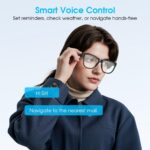
【Smart Voice Control & Easy Operation】Play or pause music, manage calls, activate voice assistant features with just one button, making your smart bluetooth glasses stylish and easy to use.
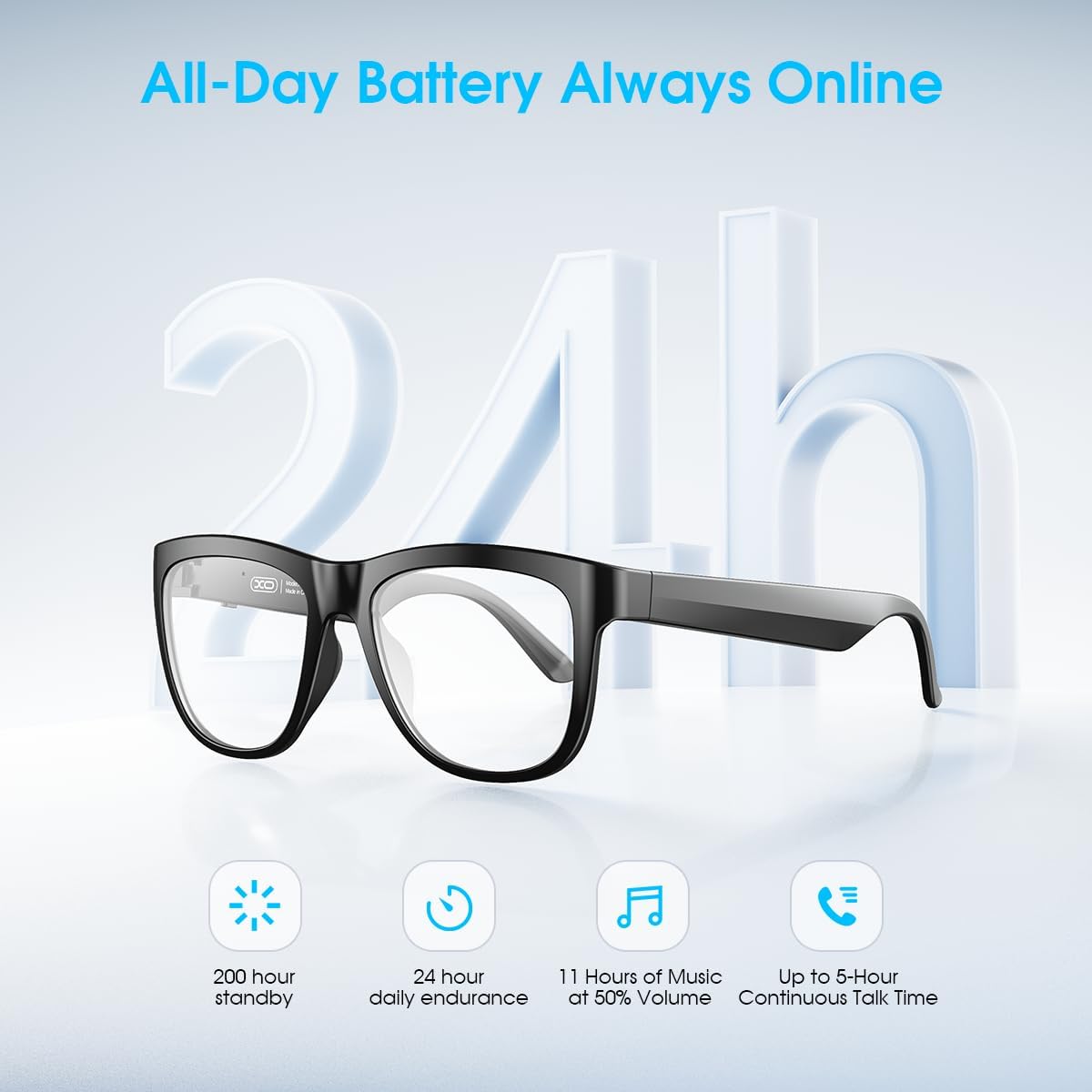
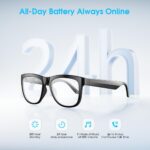
【High Quality Battery & 200H Standby】XO audio glasses are powered by high-quality batteries that take only 2 hours to fully charge and can play continuously for up to 8 hours, which is durable and safe. The standby time can reach 200h, so you don’t have to charge frequently.
【What You Get】Smart bluetooth audio glasses*1,Charging cable*1,Glasses case *1,User manual*1,Glasses cloth*1. If you have any questions, please feel free to contact us, we will reply to you within 24 hours.
【Warm Tips】After receiving the product, it needs to be fully charged first. Press the sunglasses button for 2 seconds to make sure it is open. The indicator light flashes alternately in red and blue, indicating that it is in a paired state. After confirming the pairing status, turn on the Bluetooth of your mobile phone, refresh the Bluetooth interface, and find the Bluetooth name XO-E6 to connect. Note:The smart sunglasses cannot pair with Bluetooth when it is charging. The pairing action needs to be carried out after the charging is completed.

![[12-Pack] Invisible Baby Proofing Cabinet Locks – No Drill Child Safety Drawer Latches – Adhesive Childproof Latch for Cabinets, Kitchen & Furniture – Secure Toddler & Infant Safety No Tools Required](https://m.media-amazon.com/images/I/61WJagt+jEL._AC_SL1500_.jpg "[12-Pack] Invisible Baby Proofing Cabinet Locks – No Drill Child Safety Drawer Latches – Adhesive Childproof Latch for Cabinets, Kitchen & Furniture – Secure Toddler & Infant Safety No Tools Required")
![[Apple MFi Certified]Magnetic Wireless Charger Apple Mag Safe Charger,15W 6FT Fast Wireless Charging Pad for AppleiPhone 16 Pro Max/16 Pro/16 Plus/15 Pro Max/14/13/12/AirPods3/2/Pro/Pro2,Charging Pad](https://m.media-amazon.com/images/I/51Om+6sBA0L._AC_SL1500_.jpg "[Apple MFi Certified]Magnetic Wireless Charger Apple Mag Safe Charger,15W 6FT Fast Wireless Charging Pad for AppleiPhone 16 Pro Max/16 Pro/16 Plus/15 Pro Max/14/13/12/AirPods3/2/Pro/Pro2,Charging Pad")
![[True Military-Grade] Car Phone Holder VANMASS [Upgraded Strongest Suction&Clip] Cell Phone Mount for Dashboard Windshield Vent Kit, Truck Cradle Stand for iPhone 17 Pro Max 16 15 14 Android,Ink Black](https://m.media-amazon.com/images/I/81p1uVT98KL._AC_SL1500_.jpg "[True Military-Grade] Car Phone Holder VANMASS [Upgraded Strongest Suction&Clip] Cell Phone Mount for Dashboard Windshield Vent Kit, Truck Cradle Stand for iPhone 17 Pro Max 16 15 14 Android,Ink Black")


Reviews
Clear filtersThere are no reviews yet.